Skip to main content
Coding Treasury Card Transactions (How-to)
How to change the Ledger Account for a Treasury Card Transaction:
- Log in to LegFi.
- Navigate to the Financial Accounts page.
- Open the Treasury Account associated with the Treasury Card.
- Locate the Treasury Card transaction on the Transaction Details page.
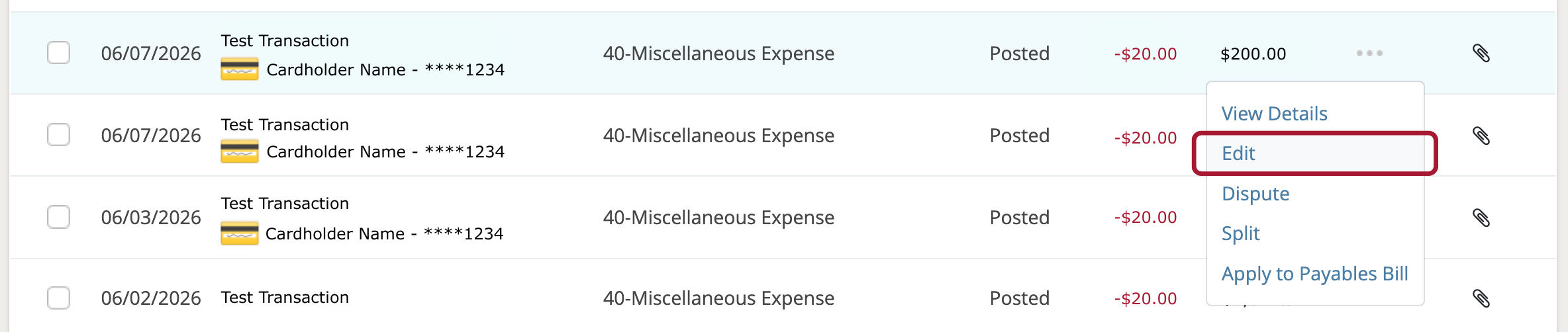
- Click the Actions menu next to the card transaction and select Edit.
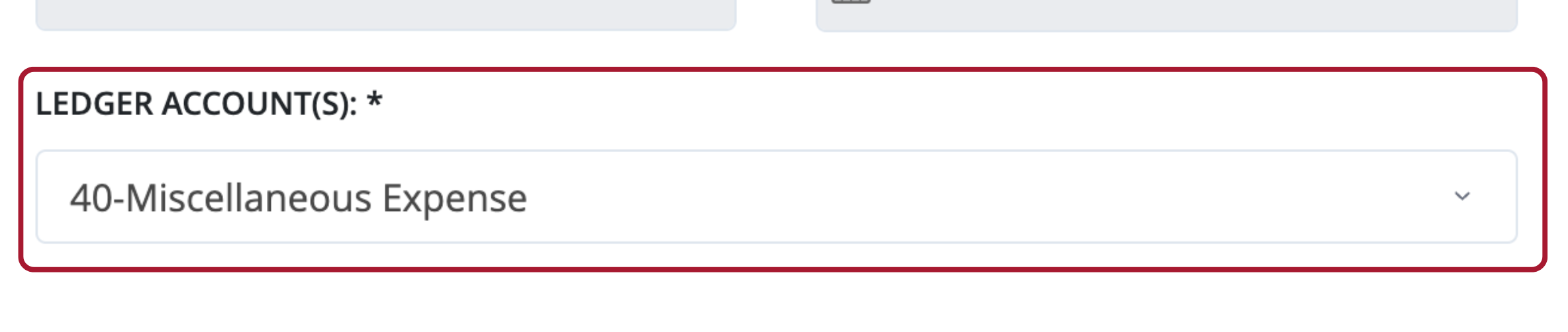
- Select the appropriate Expense or Revenue account from the Ledger Account(s) drop-down menu.
- Click Save Transaction.